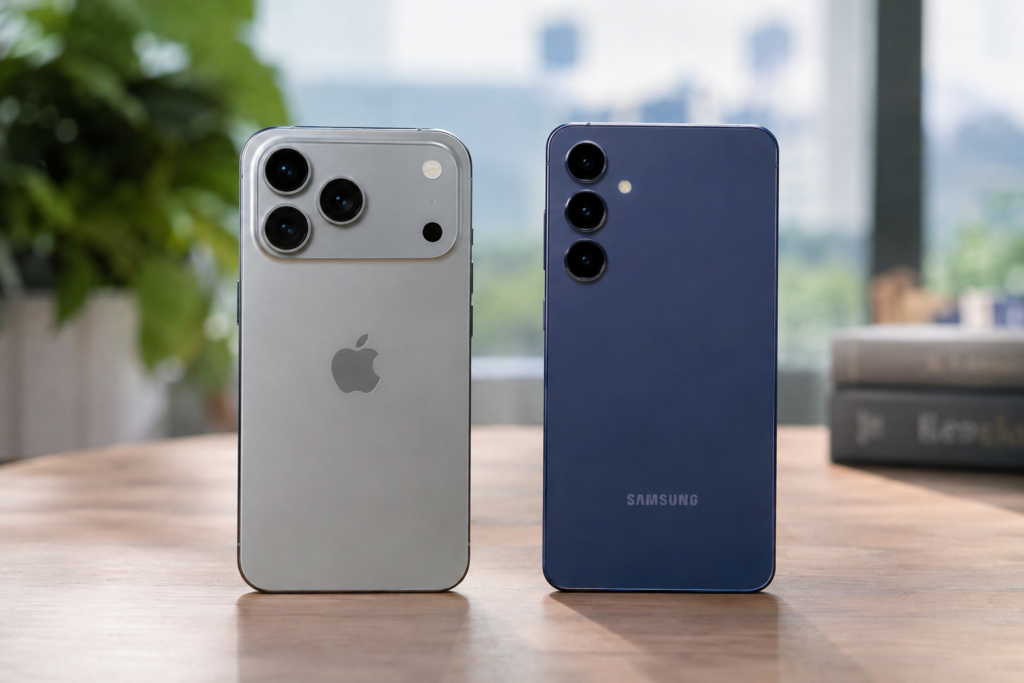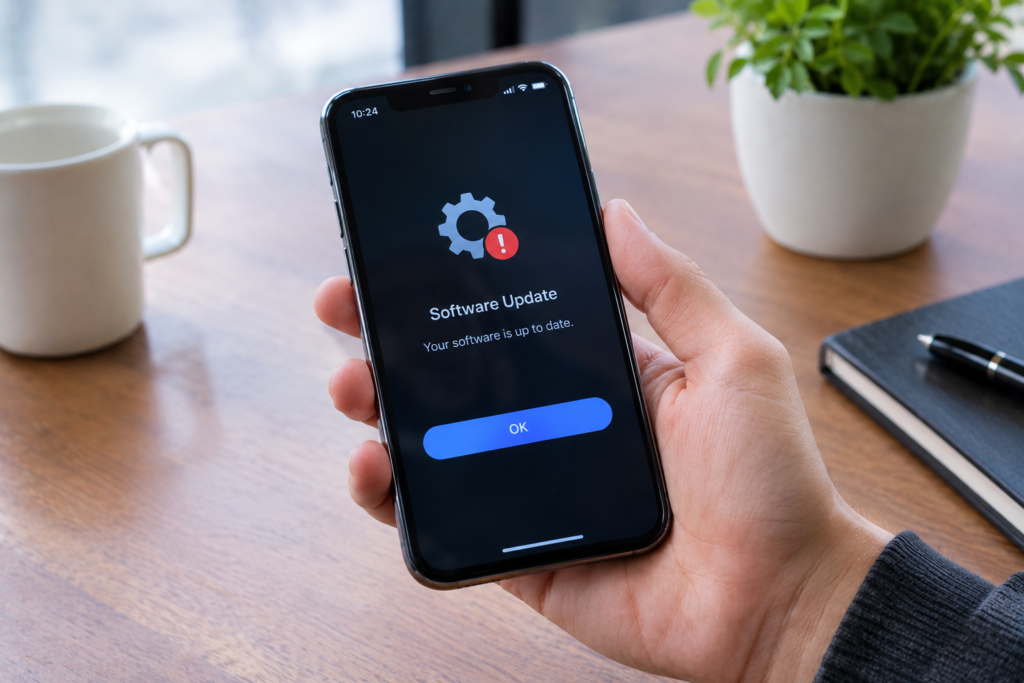
A smartphone can continue working normally even after you stop installing updates. Your apps may open, your camera may work, and you can still send messages and browse the web. That can make skipping updates seem harmless.
The problem is that smartphone software does more than provide new features. Updates can repair security weaknesses, fix software bugs, improve compatibility, and sometimes change how the operating system handles important functions.
So what actually happens when you stop updating your smartphone? The answer depends on how old the device is, which updates you skip, and whether the manufacturer continues supporting it. Some consequences appear quickly, while others become noticeable only after months or years.
Your Phone Does Not Stop Working Immediately
The first thing to understand is that skipping an update does not normally make a smartphone unusable overnight.
If you ignore a notification asking you to install a system update, the existing software usually remains on the phone. Your photos, contacts, installed applications, and other files are not automatically removed simply because you did not update.
You can continue using the device in much the same way as before.
However, the phone remains on an older version of its software. Over time, the difference between your device and newer software becomes more significant.
This is where the potential problems begin.
Security Vulnerabilities May Remain Unfixed
One of the most important reasons to keep a smartphone updated is security.
Operating systems can contain vulnerabilities that are discovered after the software has already been released. When manufacturers identify and fix these weaknesses, they can distribute security updates to supported devices.
If you do not install those updates, your phone may continue using the older software containing the vulnerability.
This does not mean that every unupdated phone will automatically be hacked. The actual risk depends on the vulnerability, the device, installed applications, user behavior, and other security protections.
However, leaving known security issues unpatched removes one layer of protection.
Why Security Updates Matter
Security updates can address problems involving the operating system, system components, drivers, or other software included with the device.
Some vulnerabilities can potentially be exploited through malicious applications, websites, messages, files, or other attack methods.
Keeping the phone updated reduces exposure to vulnerabilities that have already been addressed by the manufacturer.
Apps Can Eventually Stop Supporting Your Software
Another common consequence of skipping updates is reduced app compatibility.
Application developers regularly update their software. New versions may depend on newer operating system features or security requirements.
At first, an old phone may continue running everything normally. Later, an application may stop receiving updates for that particular operating system version.
Eventually, an app could become unavailable for installation, stop working correctly, or require a newer version of the operating system.
This does not happen to every application at the same time. Different developers have different support policies.
Some New Features Will Be Missing
System updates often introduce new features and improvements.
If you remain on an older version, you will not receive those changes.
This can include improvements to notifications, privacy controls, camera features, accessibility options, multitasking, settings, or other parts of the operating system.
Missing a feature is not necessarily a serious problem. If your current phone already does everything you need, you may not notice the difference immediately.
But the gap between old and new software can become much larger over several years.
Bug Fixes Will Not Reach Your Phone
Software is rarely perfect when it is first released.
Manufacturers can discover problems after an operating system version reaches users. Updates may fix issues involving battery behavior, connectivity, application crashes, Bluetooth, Wi-Fi, camera functions, notifications, or other parts of the system.
If you skip the update containing a particular fix, the problem can remain on your device.
This can be frustrating because you may see other users receiving a fix while your phone continues behaving the same way.
Performance Does Not Always Get Worse
There is a common belief that an old smartphone automatically becomes slower because it is not updated.
That is not necessarily true.
Software updates can sometimes improve performance, but they can also introduce changes that require more resources. The effect depends on the device and the particular update.
An older phone may therefore perform differently after an update, but refusing every update is not a guaranteed way to keep it fast.
Other factors often have a much bigger impact on smartphone performance, including available storage, battery condition, background applications, and the age of the hardware.
Battery Life Can Be Affected Indirectly
Updates can sometimes change power management or fix software problems that cause excessive battery usage.
If a known software issue is causing a phone to consume unnecessary power, refusing the relevant update means the problem may remain.
On the other hand, an update is not automatically a battery-life improvement. Software changes can affect power consumption differently depending on the phone.
Battery health also naturally changes over time because smartphone batteries are consumable components.
This means an older phone with poor battery life cannot necessarily be fixed simply by installing or avoiding an update.
Privacy Features May Fall Behind
Security and privacy are closely connected, but they are not exactly the same thing.
Newer operating systems can introduce additional controls for permissions, tracking, data access, notifications, location information, and other privacy-related functions.
If you remain on an older version, you may not receive those newer controls.
Your existing privacy settings do not simply disappear because you skipped an update. The issue is that you may lack protections and controls introduced later.
For anyone who stores personal photographs, messages, financial information, documents, or other sensitive data on a phone, keeping supported software current can be particularly relevant.
Banking and Other Important Apps May Become More Difficult to Use
Some applications have stricter security requirements than ordinary games or social media apps.
Banking applications, payment services, password managers, and other sensitive apps may eventually require newer operating system versions.
Developers make these requirements for different reasons, including security, technical compatibility, and support for newer software components.
If an important application stops supporting your phone’s operating system, you may need to update the device or use another supported way to access the service.
Your Phone Can Fall Behind on Compatibility
Smartphones do not operate in isolation.
They communicate with wireless networks, Bluetooth accessories, computers, cars, smartwatches, headphones, printers, and many other devices.
New software can improve compatibility with newer hardware and communication standards.
An older operating system may still connect successfully in many cases, but compatibility problems can appear as other devices and services move forward.
This is especially relevant when you keep an older smartphone for several years while buying newer accessories.
What If You Stop Updating Apps Too?
System updates and app updates are different.
You can have a relatively modern operating system while using outdated applications, or you can have updated applications running on an older operating system.
Stopping app updates can create additional problems. Apps may miss security fixes, bug corrections, performance improvements, and compatibility changes.
Some applications update automatically, while others allow users to control updates manually.
For most users, keeping both the operating system and important applications reasonably current provides a more consistent software environment.
What Happens When the Manufacturer Ends Support?
Eventually, every smartphone reaches a point where its manufacturer stops providing some or all software updates.
This is different from simply choosing not to install an available update.
When official support ends, you may no longer receive new security patches or major operating system updates from the manufacturer.
The phone can still function. You can continue using supported applications and basic features for some time.
However, the device gradually becomes more dependent on older software as the rest of the technology ecosystem moves forward.
The length of official support varies between manufacturers and individual models, so users should check the support policy for their specific phone rather than assuming all smartphones receive updates for the same period.
Should You Install Every Update Immediately?
Not necessarily.
For important system updates, it is sensible to check what the update contains, especially if the phone is used for banking, work, communication, or other sensitive tasks.
Major updates can sometimes introduce bugs or changes that users may not expect. Waiting briefly to see whether a serious issue is reported can be reasonable when the update is not addressing an urgent security problem.
However, permanently ignoring updates is a different situation.
If an update contains important security fixes, delaying it for a long period leaves the phone without those protections.
What To Do With an Older Smartphone
If your phone is no longer receiving official updates, you do not necessarily need to replace it immediately.
First, check whether the manufacturer still provides security updates for your exact model.
Then consider which applications you use and whether they continue receiving updates. Keep unnecessary apps removed, use strong authentication, avoid installing software from unreliable sources, and be careful with suspicious links and attachments.
If essential applications eventually stop supporting the device or the phone can no longer receive important security protections, replacing it becomes a more practical consideration.
How to Check for Updates
On most smartphones, you can find software-update information inside the Settings application.
The exact menu name varies between Android devices and iPhones, but you will generally find an area dedicated to software updates or system updates.
Before installing a major update, it is sensible to have sufficient battery power and, where appropriate, a recent backup of important information.
A stable Wi-Fi connection can also be useful when downloading a large update.
Conclusion
When you stop updating your smartphone, nothing dramatic may happen at first. The phone can continue working normally for weeks, months, or even longer.
The bigger issue is gradual software aging.
Security vulnerabilities may remain unpatched, apps can eventually lose compatibility, new privacy features may be unavailable, and important bug fixes may never reach the device. Once the manufacturer ends official support, the gap between the phone and newer software becomes even more noticeable.
For MobileVerseTopic readers, the practical takeaway is simple: an update is not just about getting a new interface or an extra feature. It can also be part of keeping a smartphone secure, compatible, and reliable. If a phone is still officially supported, keeping its software reasonably current is generally an important part of maintaining the device.