Introduction
Almost every mobile gamer has experienced it at some point. You start playing a game, everything runs smoothly, and after twenty or thirty minutes the phone begins to feel noticeably warm. In more demanding situations, it may even become hot enough to affect comfort, battery life, or performance.
Many people assume that a hot phone automatically means something is wrong. In reality, some level of heat during gaming is completely normal. Modern games push smartphone hardware much harder than everyday tasks such as messaging, browsing social media, or watching videos.
Understanding why some smartphones become hot during gaming can help users identify what is normal, what causes excessive heat, and what steps can reduce temperature during long gaming sessions.
Why Gaming Generates More Heat Than Normal Usage
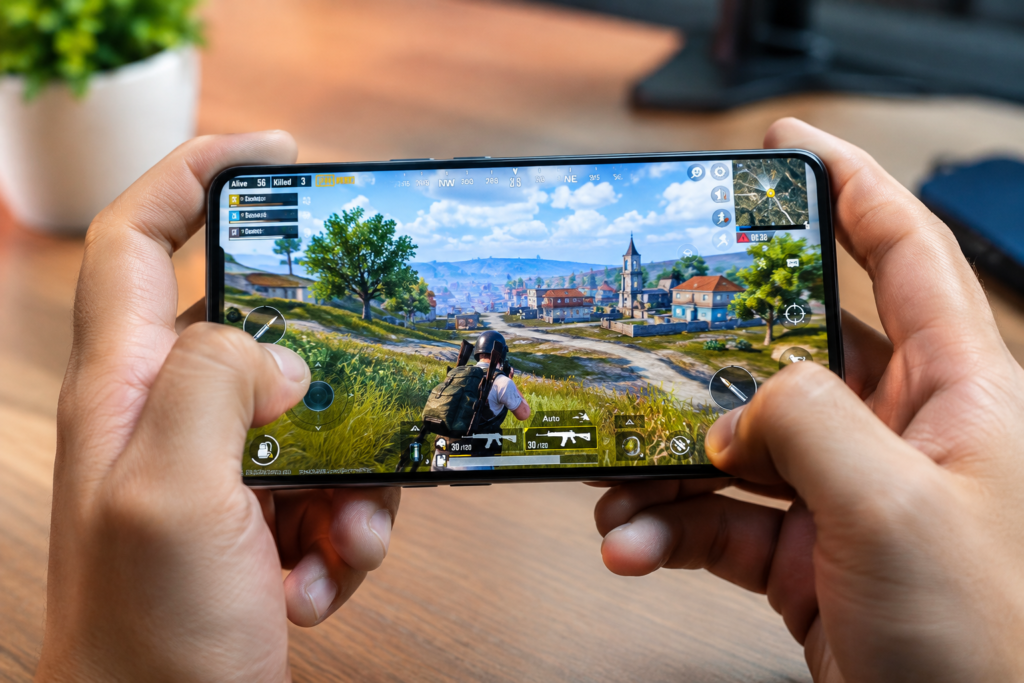
Gaming is one of the most demanding activities a smartphone can perform.
When you send messages or scroll through social media, the processor works relatively lightly. A modern mobile game, however, requires multiple components to work at high capacity simultaneously.
These components include:
- The processor (CPU)
- The graphics processor (GPU)
- Memory (RAM)
- Display
- Network hardware
- Battery
As these components work harder, they consume more power. Increased power consumption naturally creates more heat.
This is similar to how a laptop becomes warm when editing videos or how a gaming console heats up during long play sessions.
The Processor Works Harder During Games
The processor is one of the biggest sources of heat inside a smartphone.
Modern games constantly calculate:
- Character movement
- Physics effects
- Enemy behavior
- Environmental interactions
- Online multiplayer actions
Every calculation requires processing power.
High Performance Means More Energy Use
When a game demands maximum performance, the processor increases its workload.
The harder it works, the more electricity it consumes.
That electricity eventually becomes heat.
A powerful flagship processor may deliver excellent frame rates and graphics, but it can also generate significant heat during demanding gameplay.
This is not necessarily a flaw. It is often a natural result of high performance.
The GPU Is Under Constant Pressure
While the CPU handles calculations, the graphics processor handles visual rendering.
Modern mobile games feature:
- Detailed textures
- Dynamic lighting
- Shadows
- Reflections
- High-resolution environments
Rendering these graphics requires substantial GPU power.
High Graphics Settings Increase Heat
Many games allow players to select graphics quality levels.
For example:
- Low graphics
- Medium graphics
- High graphics
- Ultra graphics
Higher settings require the GPU to work harder.
As workload increases, heat production also increases.
A phone running a game at maximum graphics and frame rate settings will generally become warmer than the same phone running the game at lower settings.
High Refresh Rate Displays Contribute to Heat
Many modern smartphones feature displays capable of running at higher refresh rates.
A higher refresh rate creates smoother animations and gameplay.
While this improves the gaming experience, it also increases workload.
More Frames Require More Processing
If a game runs at a higher frame rate, the processor and GPU must produce more frames every second.
This means:
- Increased power usage
- Greater system activity
- Higher heat generation
The difference may not seem large at first, but over a long gaming session it can contribute noticeably to overall device temperature.
Battery Usage Creates Additional Heat
Gaming places significant demands on the battery.
The battery must continuously supply energy to all active components.
As energy flows through the device, some heat is naturally produced.
Fast Battery Drain Often Means More Heat
Users often notice that gaming drains battery faster than normal smartphone activities.
This happens because:
- The processor is working harder
- The graphics chip is under load
- The display remains active
- Network connectivity stays engaged
The increased power draw generates additional heat throughout the device.
This is one reason why gaming sessions often feel warmer than video streaming or web browsing.
Charging While Gaming Makes Heat Worse
One of the most common reasons smartphones become excessively hot during gaming is charging while playing.
Gaming already places heavy stress on the device.
Adding charging introduces another source of heat.
Two Heat Sources at the Same Time
When gaming and charging simultaneously:
- The battery receives power
- The battery supplies power
- The processor remains heavily loaded
- Internal temperatures rise faster
As a result, temperatures can increase significantly compared to gaming without charging.
Many manufacturers recommend avoiding extended gaming sessions while charging whenever possible.
Poor Cooling Design Can Increase Temperatures
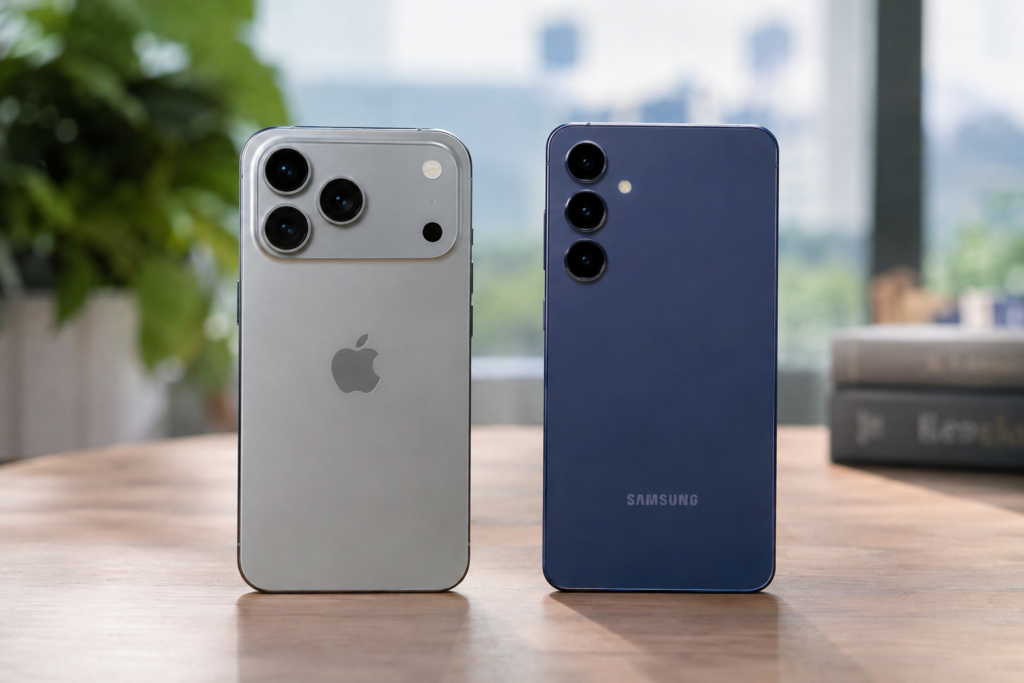
Not all smartphones handle heat equally.
Two devices running the same game may reach very different temperatures.
The difference often comes down to cooling design.
Internal Cooling Systems Matter
Modern smartphones use various cooling methods such as:
- Vapor chambers
- Graphite layers
- Thermal materials
- Heat-spreading components
These systems help move heat away from critical components.
A phone with a better cooling solution may remain more comfortable during long gaming sessions than a device with weaker thermal management.
This is one reason gaming-focused smartphones often stay cooler under heavy loads.
Ambient Temperature Affects Smartphone Heat
The surrounding environment plays a major role in device temperature.
A smartphone cools itself by releasing heat into the surrounding air.
Hot Rooms Reduce Cooling Efficiency
Consider two situations:
- Playing indoors with air conditioning
- Playing outdoors on a hot afternoon
In the cooler environment, the phone can release heat more effectively.
In the hotter environment, cooling becomes more difficult.
This can cause temperatures to rise faster even when playing the same game under identical settings.
Sunlight can make the situation even worse because the device absorbs additional heat from the environment.
Mobile Network Usage Can Increase Temperature
Many popular games rely on constant internet connectivity.
Online multiplayer games require continuous communication between the phone and game servers.
Weak Signals Require More Power
When cellular signal strength is poor, the phone often works harder to maintain a stable connection.
This can increase power consumption and heat generation.
Examples include:
- Gaming in elevators
- Underground locations
- Remote areas
- Buildings with weak reception
A stronger and more stable connection often reduces unnecessary power usage.
Background Apps Can Add Extra Workload
Many users focus only on the game itself, but background apps also affect device temperature.
Applications running in the background may continue using:
- Internet connectivity
- Location services
- Notifications
- Data synchronization
Multiple Processes Mean More Heat
If several apps remain active while gaming, the processor has additional tasks to handle.
Although each individual app may consume little power, their combined workload can increase overall temperature.
Closing unnecessary applications before gaming may help reduce background activity.
Why Some Games Heat Phones More Than Others
Not every game stresses hardware equally.
A simple puzzle game generally requires far fewer resources than a large open-world action game.
Game Design Matters
More demanding games often include:
- Large maps
- Advanced graphics
- Real-time multiplayer features
- Complex physics systems
- High frame rate support
These features increase hardware utilization and generate more heat.
This is why one game may leave your phone cool while another causes noticeable warming within minutes.
Thermal Throttling: How Phones Protect Themselves
Smartphones include safety systems designed to prevent overheating.
One of the most important is thermal throttling.
What Is Thermal Throttling?
When internal temperatures rise too high, the device may automatically reduce performance.
This can result in:
- Lower frame rates
- Reduced processor speeds
- Slight lag
- Less responsive gameplay
Although some gamers dislike performance reductions, thermal throttling protects hardware from excessive heat.
Without it, components could potentially suffer long-term damage.
Phone Cases Can Affect Heat Dissipation
Many users protect their devices with cases.
While cases provide valuable protection, they can sometimes influence temperature.
Thick Cases May Trap Heat
Some materials slow the release of heat from the phone’s surface.
This does not automatically mean a case is bad, but during long gaming sessions it may contribute to higher temperatures.
The effect varies depending on:
- Case material
- Case thickness
- Device design
- Gaming duration
For extremely demanding sessions, some users temporarily remove their case to improve airflow.
How to Reduce Smartphone Heat While Gaming
Understanding the causes of heat makes it easier to reduce it.
Helpful practices include:
- Lower graphics settings when possible
- Reduce screen brightness
- Avoid charging while gaming
- Close unnecessary background apps
- Play in cooler environments
- Remove heavy protective cases if appropriate
- Take short breaks during extended gaming sessions
These adjustments may not eliminate heat entirely, but they can often improve temperature management.
When Heat Becomes a Problem
Warm temperatures during gaming are generally normal.
However, excessive heat may indicate a problem if the phone:
- Frequently displays overheating warnings
- Shuts down unexpectedly
- Becomes too hot to hold comfortably
- Experiences severe performance issues
- Overheats during light usage
In such situations, software issues, battery problems, or hardware defects may require investigation.
If abnormal heating continues, checking for software updates or contacting the manufacturer may be worthwhile.
Conclusion
Smartphones become hot during gaming because modern games place heavy demands on processors, graphics hardware, displays, batteries, and network systems. Factors such as charging while gaming, high graphics settings, poor cooling systems, background applications, and hot environments can increase temperatures even further.
A warm device during gaming is usually a normal result of powerful hardware working hard. The key difference is understanding when heat is expected and when it becomes excessive. By adjusting settings, managing background activity, and avoiding unnecessary strain, users can enjoy longer gaming sessions with better performance and more comfortable temperatures. For readers of MobileVerseTopic, understanding these factors can help make mobile gaming both smoother and safer in the long run.